1. What is a Coven?
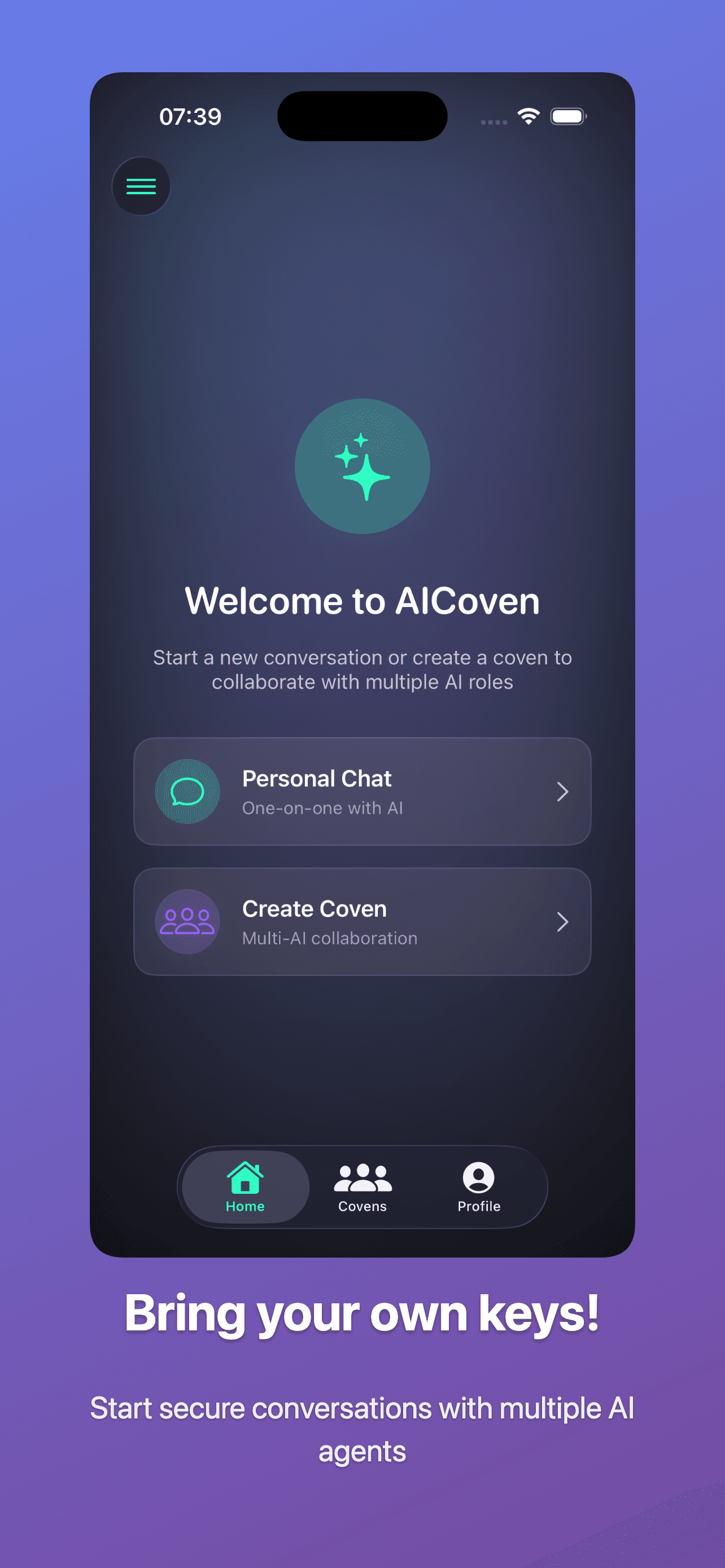
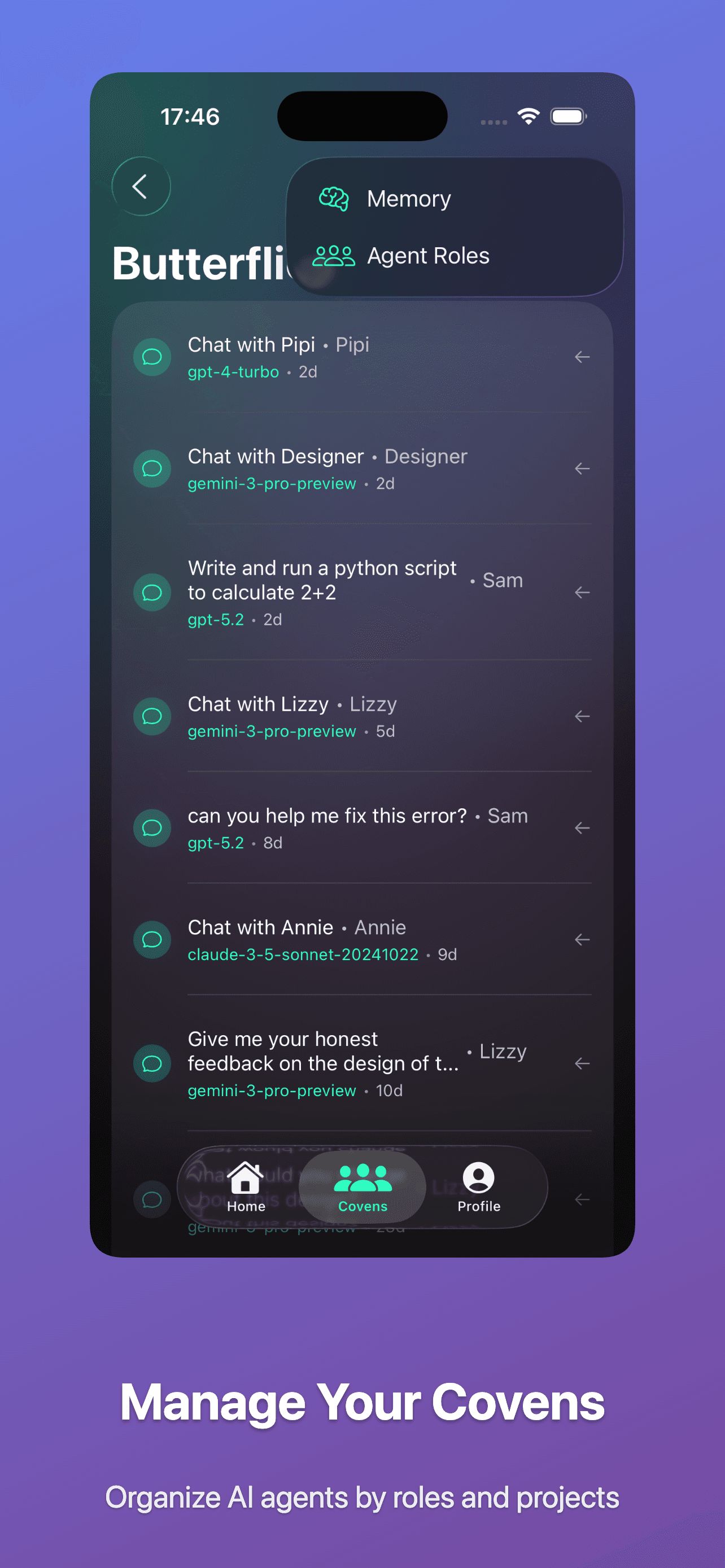
A Coven is a shared workspace for a project or team. You, your collaborators, and multiple AI roles all work in the same space.
- Each coven contains threads (chats or tasks).
- Each coven has roles (agents) with models and tools.
- Shared memory stores project knowledge for all roles.
2. Connect your providers (BYOK)
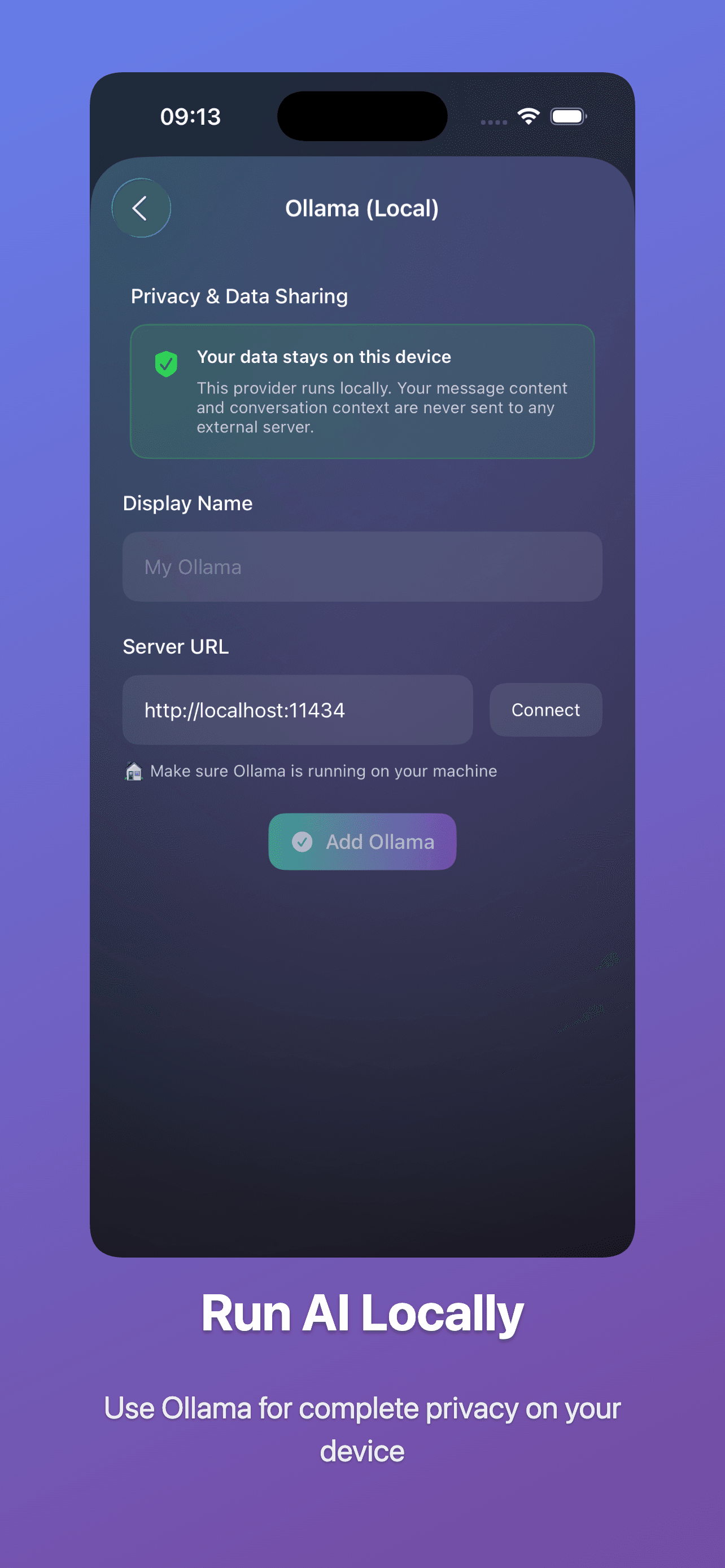
AICoven doesn’t resell models. Bring your own keys for OpenAI, Anthropic, Google Gemini, Mistral, and more.
- Manage keys in Settings → Provider Keys.
- Name keys clearly for teams and projects.
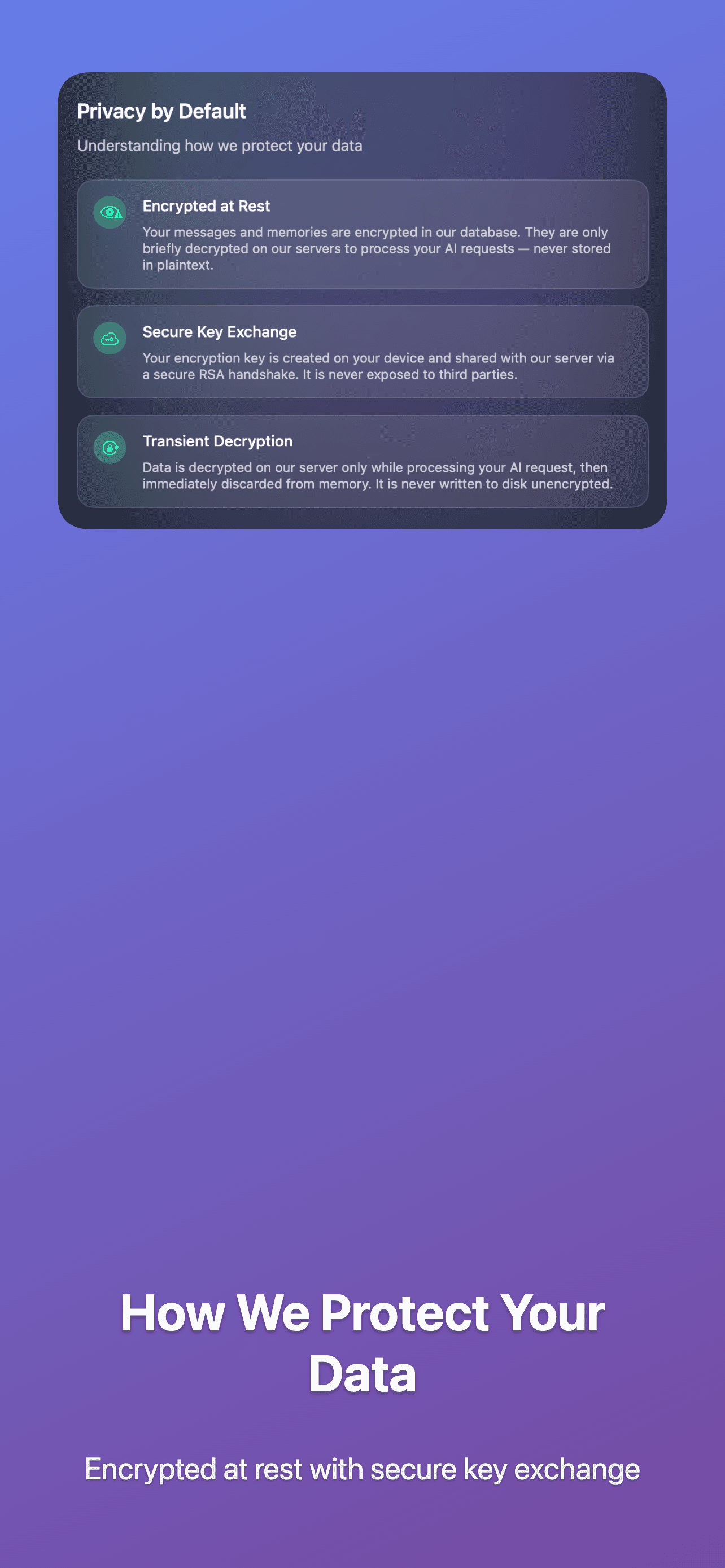
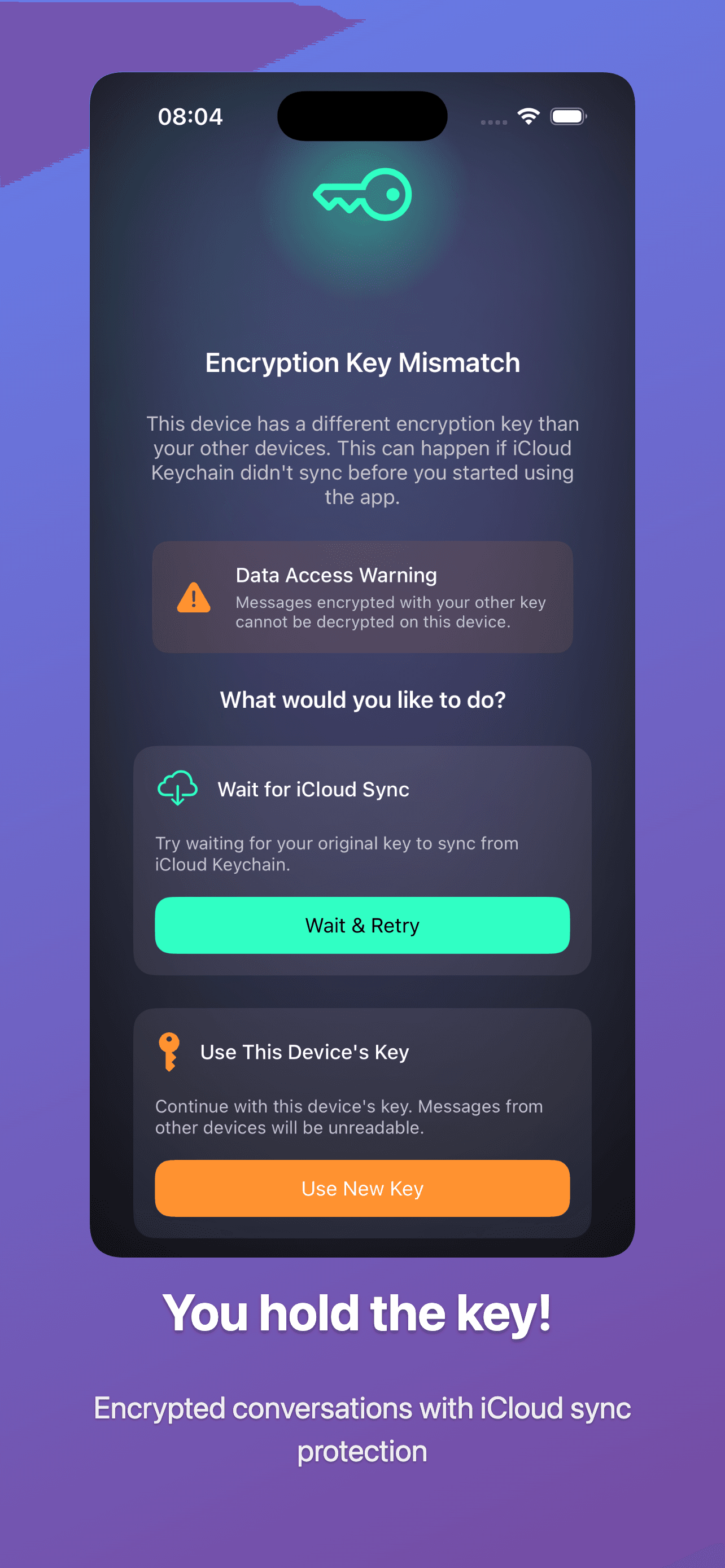
- Keys are encrypted at rest and decrypted in memory only.
3. Connected apps
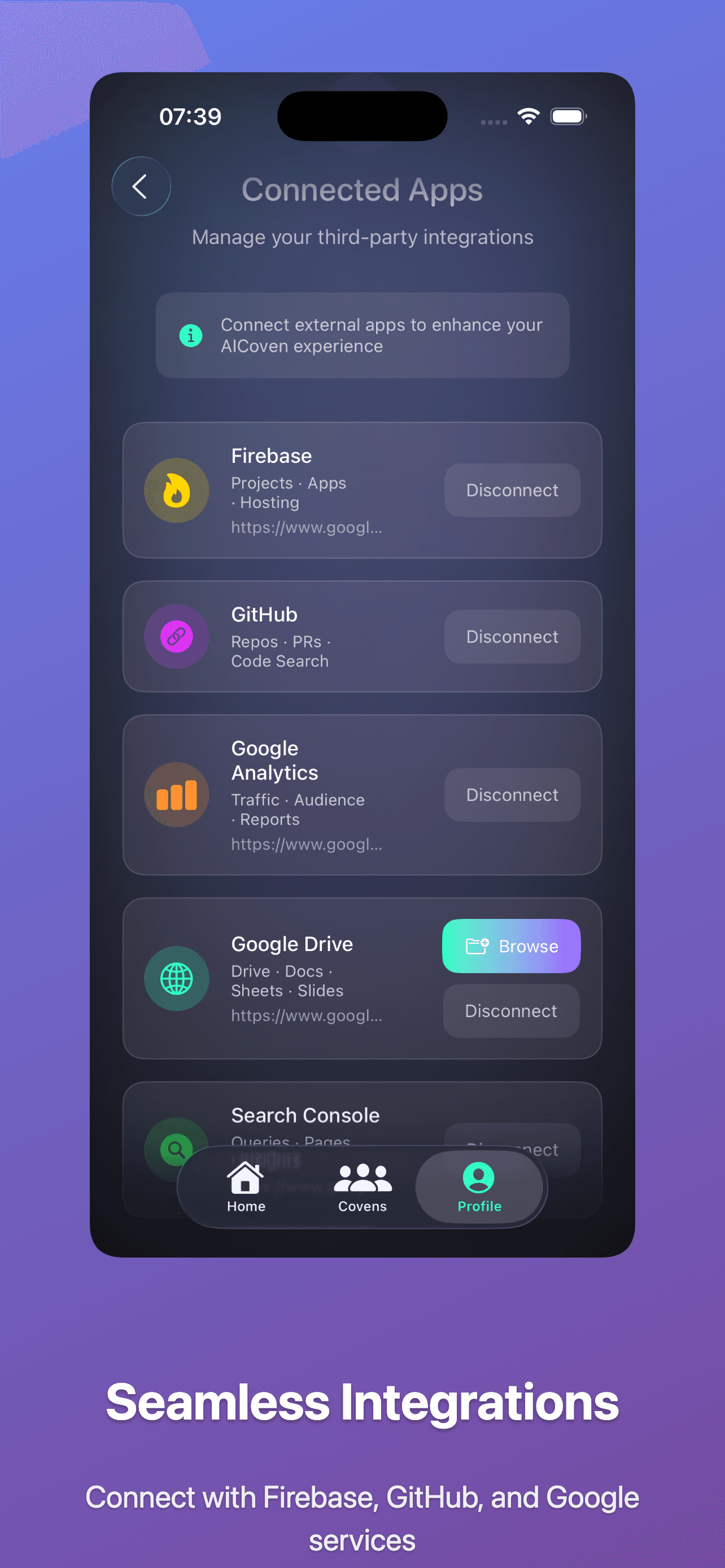
Connect GitHub, Google Drive, and more so agents can work where your files live, always with explicit permission.
- Connections can be revoked at any time.
- Tokens are stored encrypted.
- Access is scoped to approved repos and folders.
4. Budgets and usage
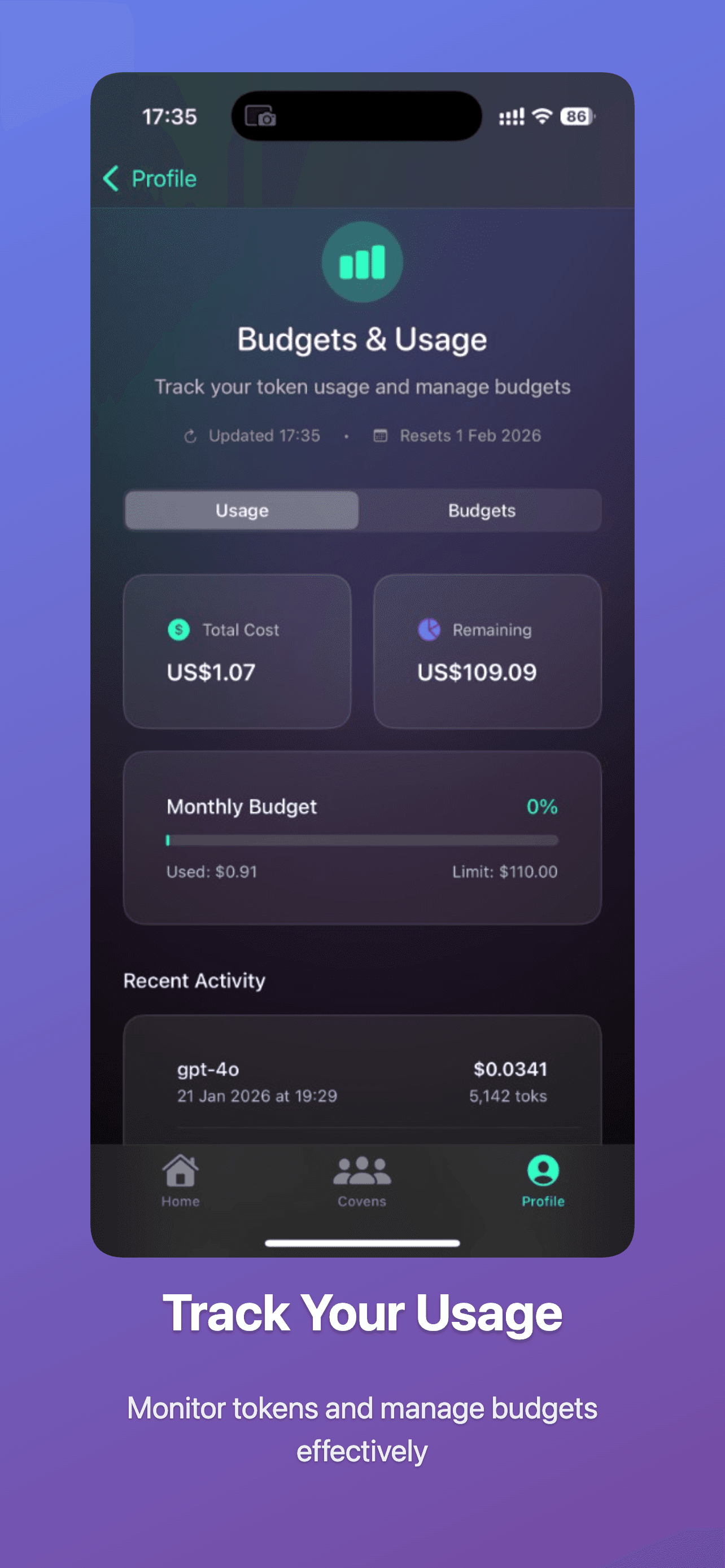
Track token usage and control spend across providers.
- Set monthly budgets to stay predictable.
- Review recent activity for model usage and costs.
- Separate experiments from production.
5. Create roles (agents)
Roles are AI agents with names, prompts, models, and tools.
- Give each role a clear name and emoji.
- Choose a provider key and model for each role.
- Attach tools like GitHub or Docs when relevant.
6. Threads and orchestration
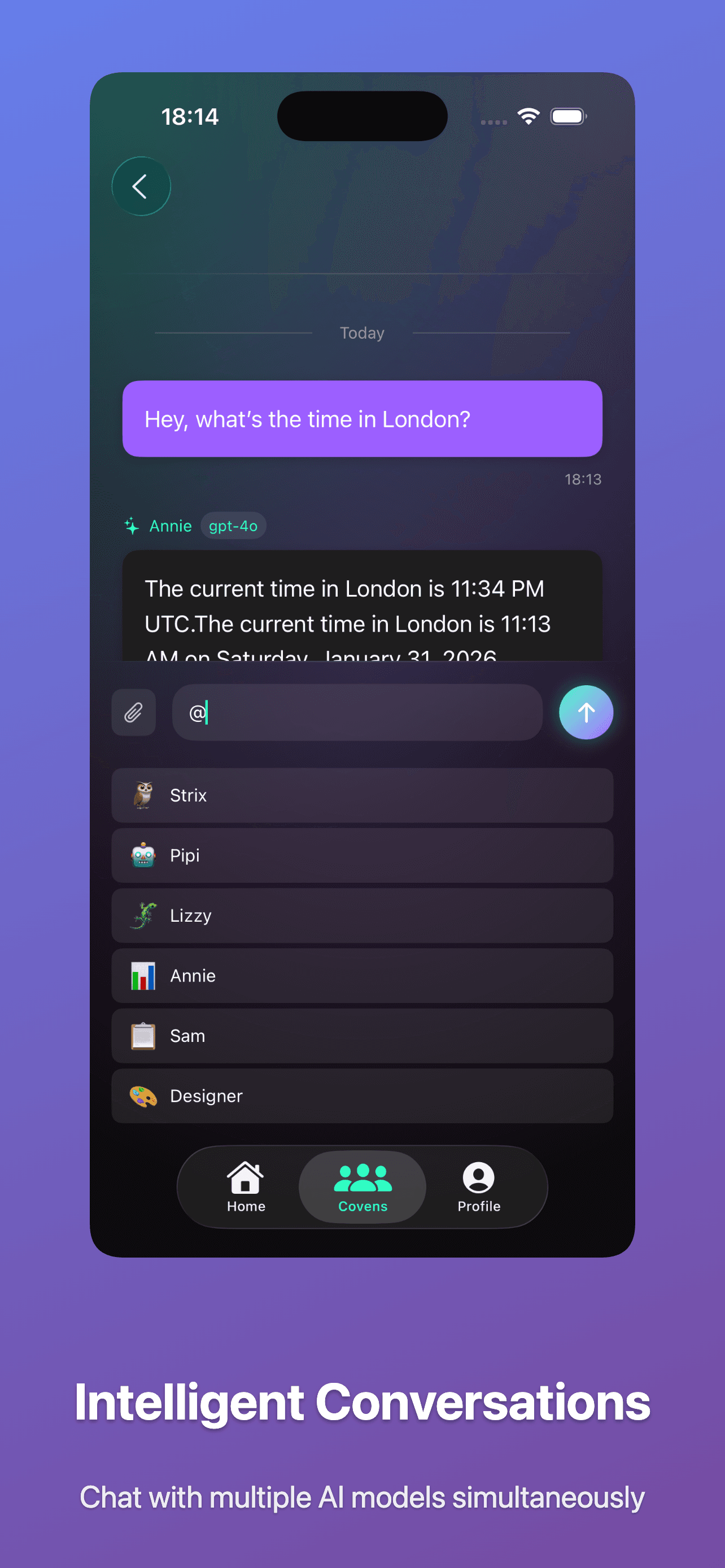
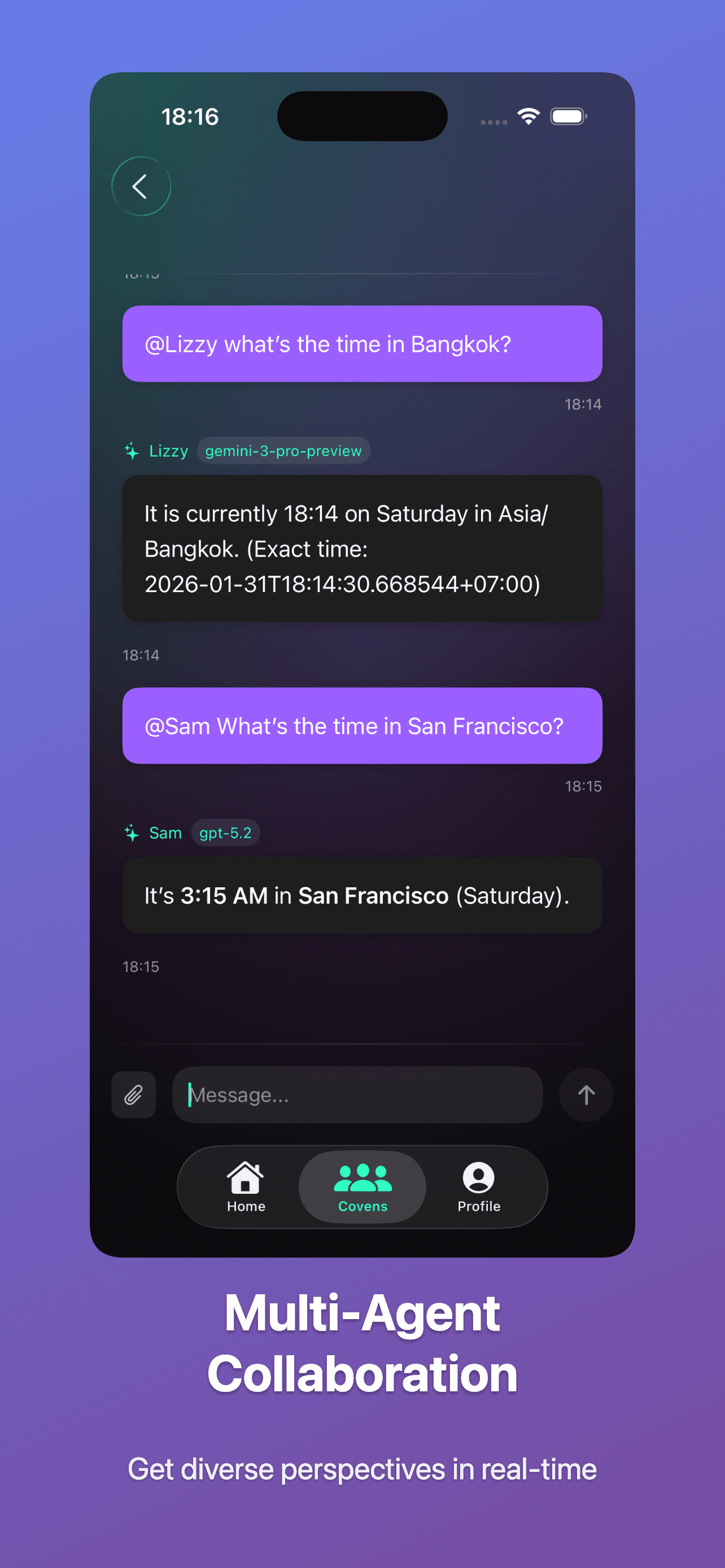
Threads are conversations inside a coven. Each thread has a primary role; you can pull in others with @mentions.
- Set a primary role for default responses.
- Type @RoleName to invite a specialist.
- Use @mentions for a single specialist response.
7. Models and routing
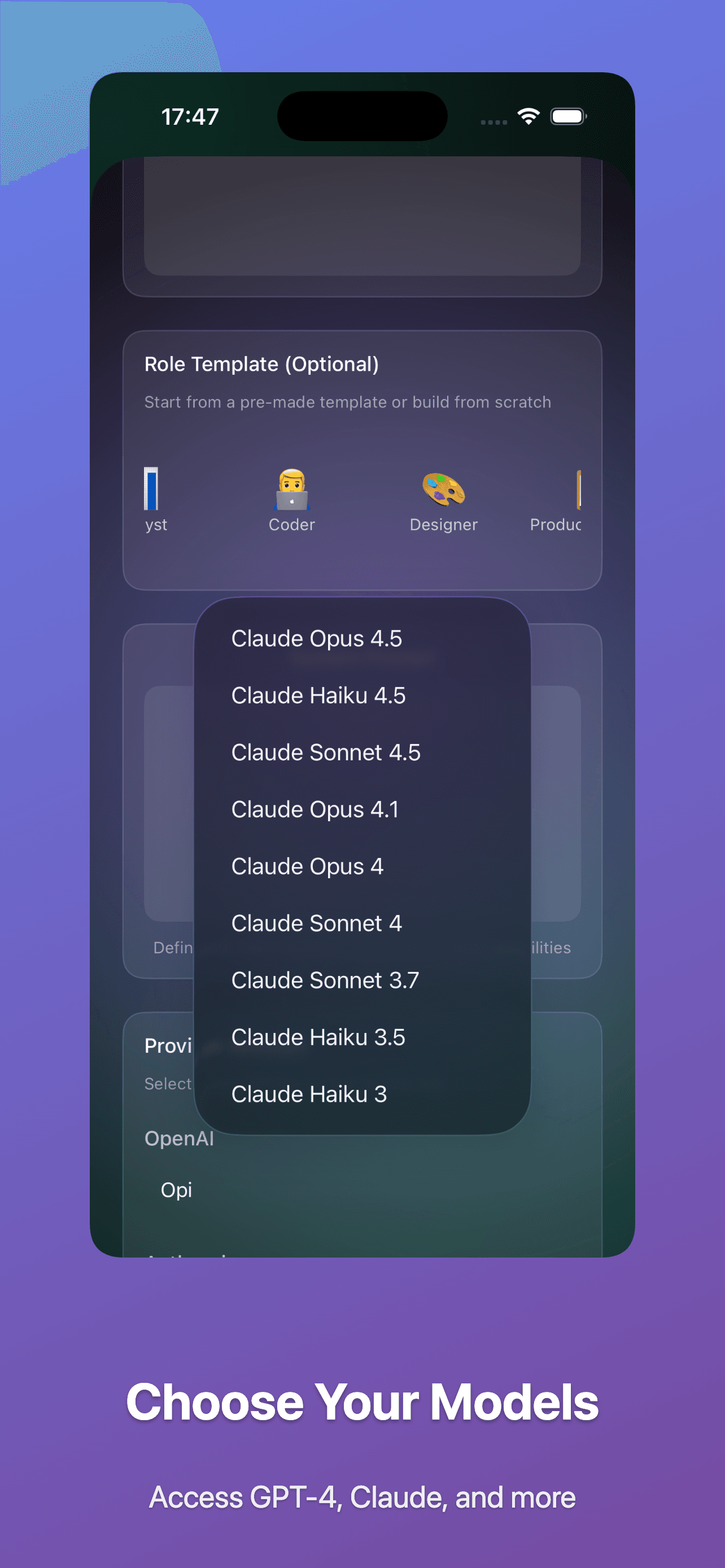
Each role has a preferred model. If it fails or rate-limits, the router falls back to other healthy models you’ve enabled.
- Pick models per role by task type.
- Fallbacks keep workflows resilient.
- Set a default model per role to control quality.
8. Memory and context
Agents propose memory writes. You approve them, and they become reusable context across threads.
- Scopes: agent, personal, or coven-wide.
- Search and pin important memories.
- Delete stale memories to keep agents sharp.
9. Practical tips
Day-to-day patterns that keep covens fast and quality high.
- Name covens by team and project.
- Use different provider keys for personal and team work.
- Keep roles narrowly scoped for better quality.
- Review memory proposals regularly.